 Canviz
Best AI video clipping tool
1 long video, 10 viral clips. Post 10x faster.
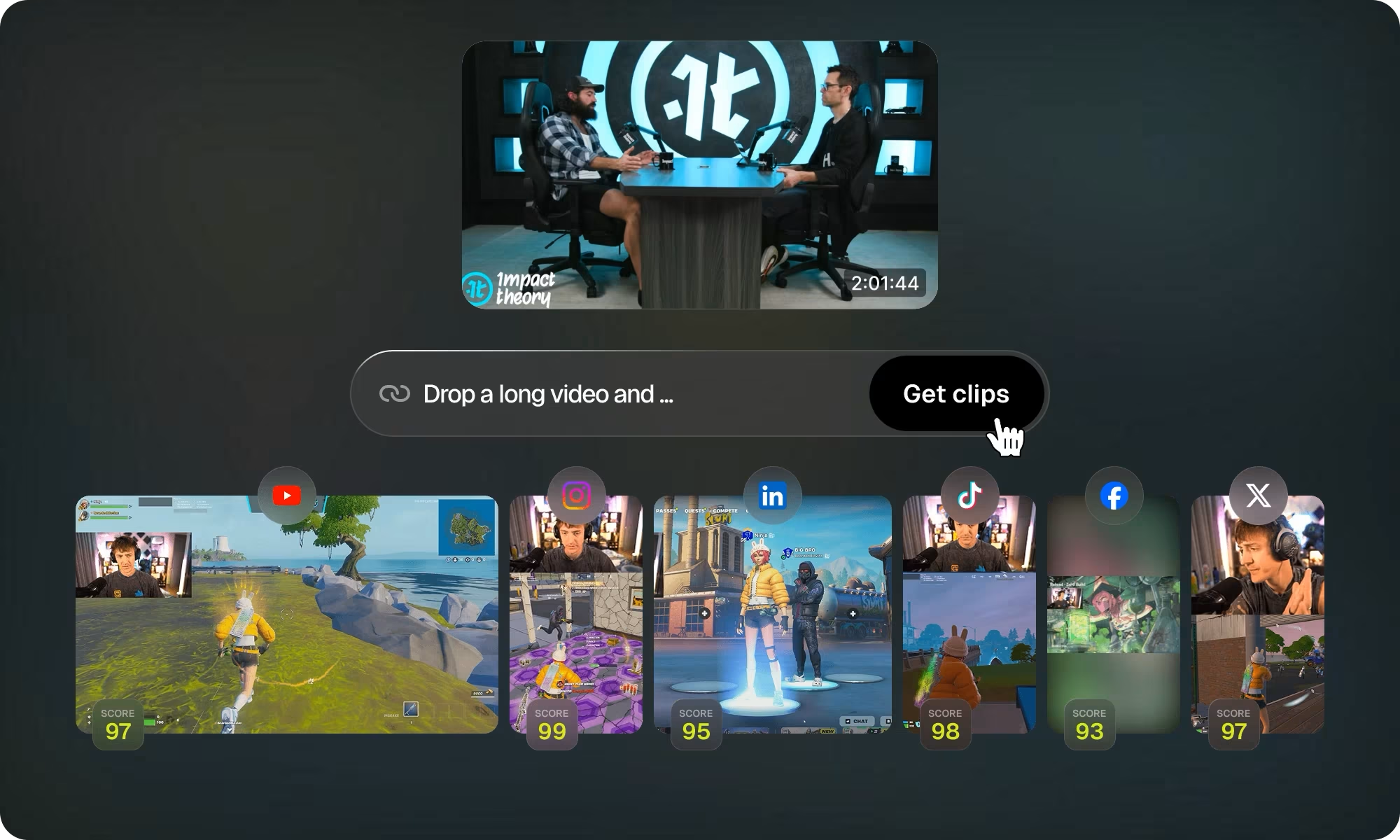
Canviz turns long videos into shorts, and publishes them to all your social platforms in one click.
Built for podcasters, streamers, coaches and marketers
- Podcasts, streams, talks and interviews
- 9:16 · 1:1 · 16:9
- Posts to TikTok, YouTube and Instagram
- Private by default
AI that understands every pixel of your video
Canviz watches the whole video, not just the transcript: who is on screen, when the shot changes, where the speech is. Built for talks, podcasts and streams.
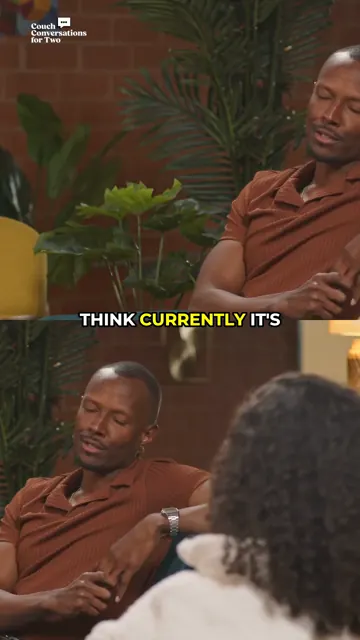
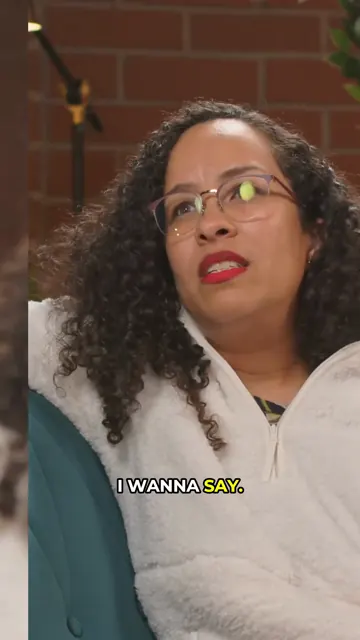
Clip anything
Every moment is scored on hook, payoff and pace, then cut on sentence boundaries so nothing starts mid-word. Best first, with the reason it was picked.
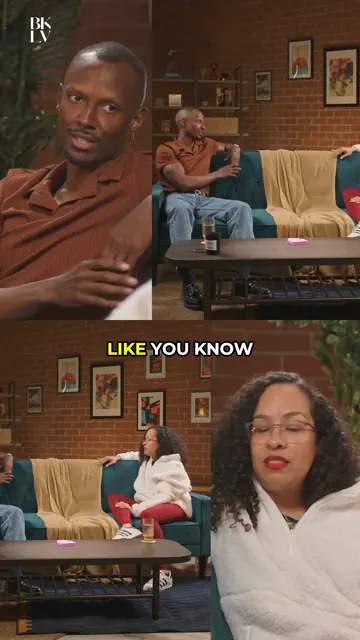 9:16 · Split
Reframe anything
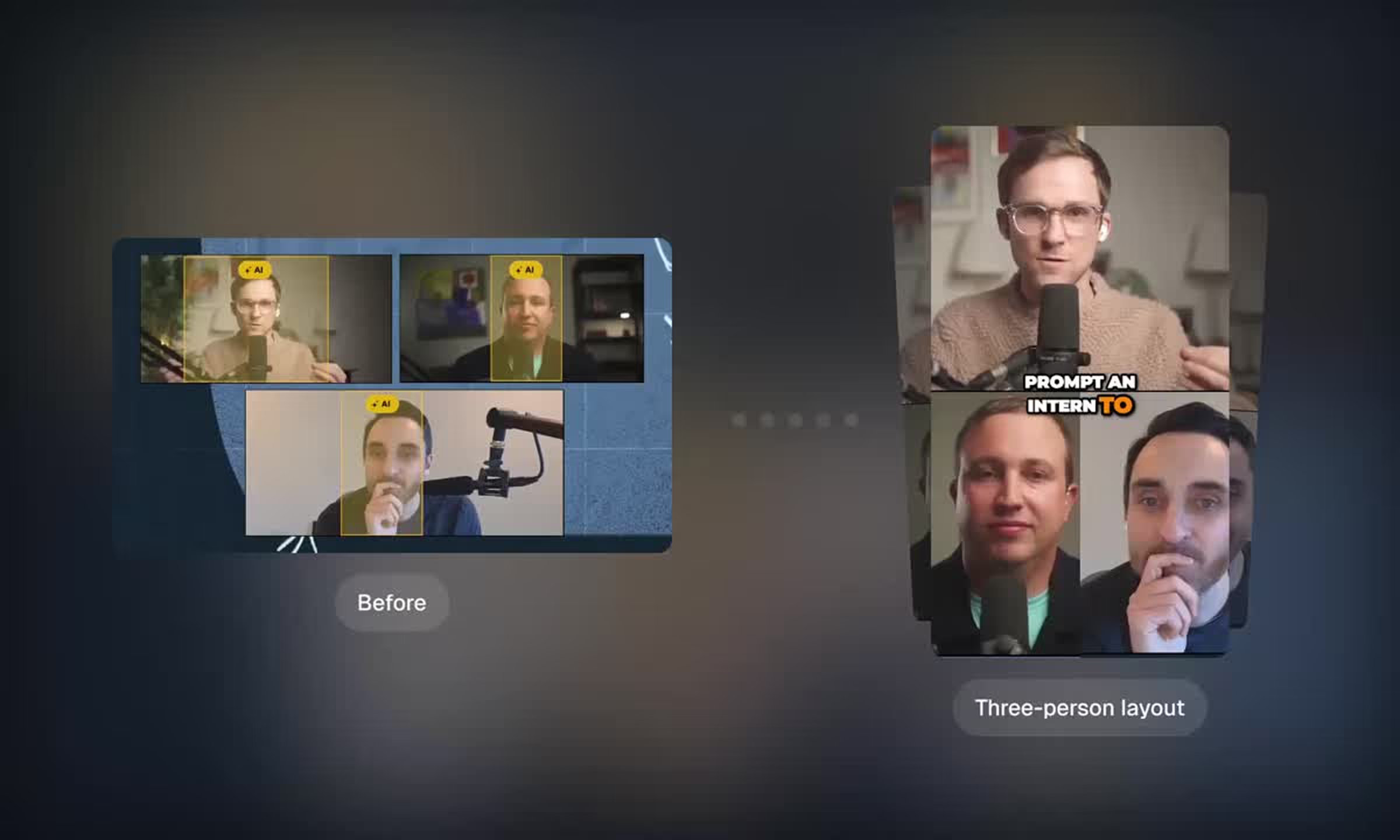
One face gets a tracked crop; two speakers get a split; a webcam over slides becomes a screencast layout. Captions and the hook title never cover a face.
Your video creation process — now on autopilot
Paste once, approve once. Canviz does the finding, cutting, captioning and posting, so a week of shorts takes minutes, not an afternoon.
 13:00
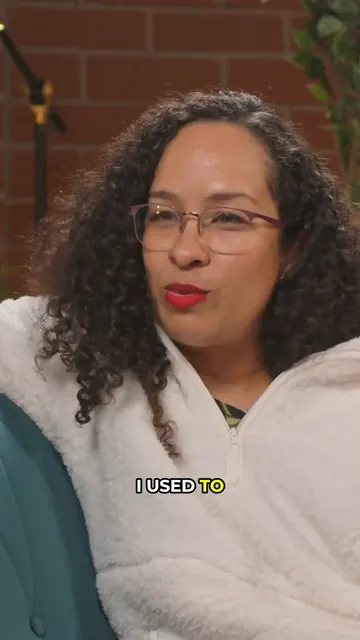
13:00Auto import
Drop a YouTube link or upload a file. Podcasts, streams, talks and interviews, from 3 minutes to 6 hours.
 9:16
9:16- Clips
- Captions
- Reframe
- B-rollPro
Auto editing
Canviz finds the moments, cuts them on sentence boundaries, reframes to 9:16 and adds captions; on Pro, AI Producer adds B-roll too.
Auto scheduling
Approved clips land on a week calendar for your connected TikTok, YouTube and Instagram accounts and go out on time.
Clip, edit, post. All in one platform
Every tool works on the same clips: what Canviz cuts is what it captions, reframes and schedules. Nothing to export between apps.
- 807472
AI clipping
Every moment is scored on hook, payoff and pace and cut on sentence boundaries. Best first, with the reason it was picked.
 HormoziKaraokeClean white23 styles
AI captioning
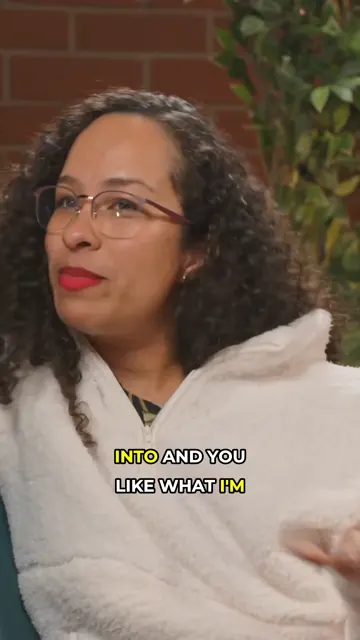
Word-timed animated captions in 23 styles, placed so they never cover a face.
- This week3 postsM9:00TW9:00TF9:00SS
Social scheduler
Approved clips land on a week calendar and publish to TikTok, YouTube and Instagram on time.
 AI B-roll · 6 s
AI B-Roll
Generated cutaways for what is being said, dropped into the clip where they belong. Part of AI Producer on Pro.
- ScriptVoice
AI voiceover
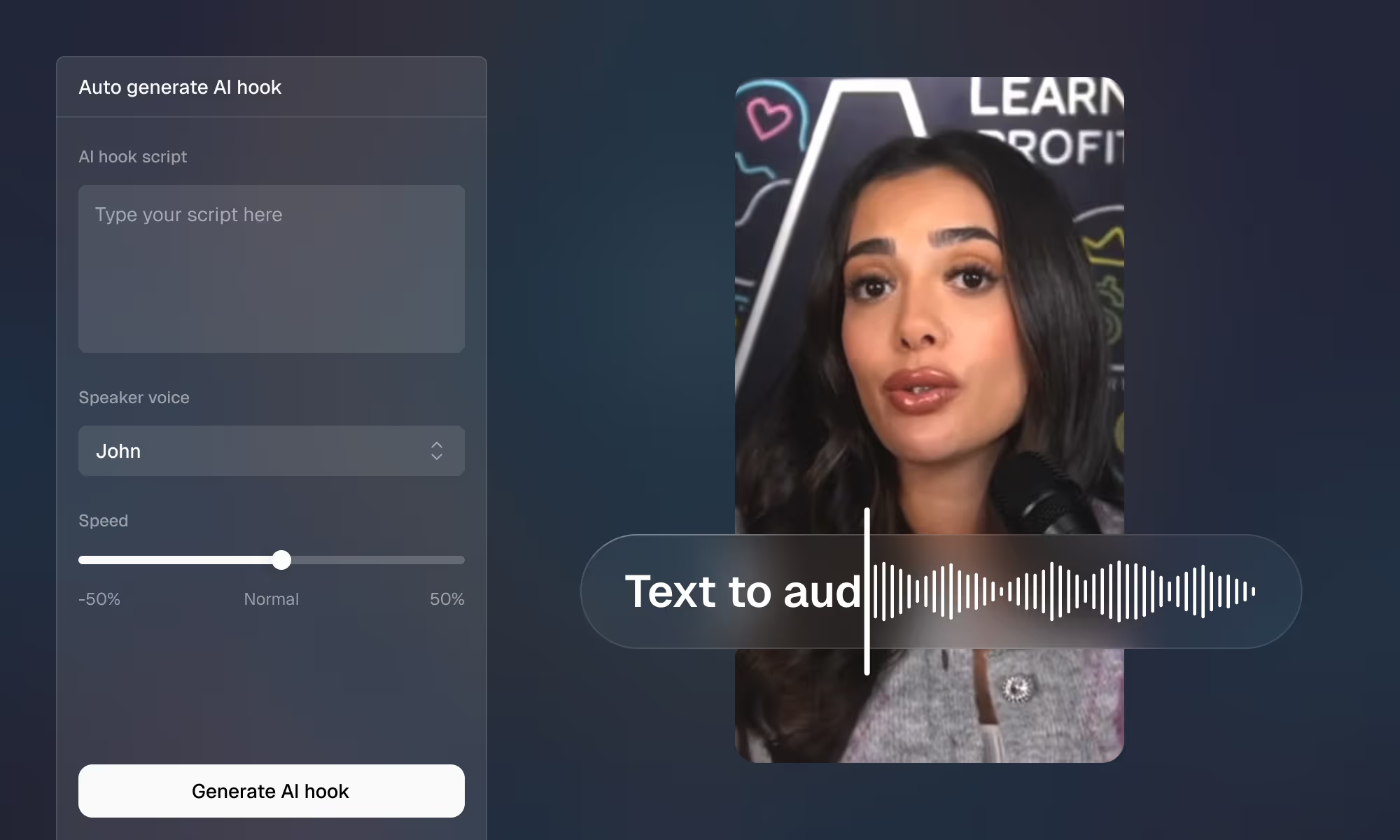
Write a script or have Canviz write it; an AI voice reads it over the video with captions timed to it.
 0:580:49Pauses and filler cut
Tighten
Pauses and filler words removed automatically, so every clip keeps moving.
- 9:16 · Face
AI reframe
Face, split and screencast layouts for 9:16, 1:1 and 16:9. The speaker stays centred.
- Tightened · −9 s
- 2 B-roll cutaways
- Hormozi captions
- Hook title
AI Producer
Raw talking-head footage in, a produced video out: cuts, B-roll, captions, hook title and levelled audio.
Got questions?
Paste a link or upload a video. Canviz listens to the whole thing, watches for who is on screen and when the shot changes, then scores every moment on hook, payoff and pace. The best ones are cut on sentence boundaries, reframed to 9:16, captioned and given a hook title. Approve the clips you like and schedule them to your connected accounts, or tell it what to change in chat.
Anything with people talking: podcasts, interviews, talks, streams, webinars and coaching calls, from 3 minutes to 6 hours. Paste a YouTube link or upload a file. The one-video modes (Captions, Reframe, Producer, Voiceover) take videos up to 6 minutes; trim a longer one, or let Clips cut it.
Canviz detects the spoken language automatically and captions in that language. Tell it the language in chat if you want to be sure.
Yes. Every clip gets word-timed animated captions by default, in your choice of 23 styles, placed so they never cover a face. You can edit any word, change the style or turn captions off.
The free plan is one trial: run one video of up to 10 minutes end to end and see every clip Canviz found, with its score, hook and captions. Downloading and posting unlock with any paid plan, from $19 a month for 150 minutes of video. No credit card is needed to try it.
TikTok, YouTube and Instagram. Connect an account once; approved clips go on a week calendar and publish at the times you set, or you download them and post yourself.
Yes. You own what you make, and you're free to monetize it. Your videos and clips are visible only to you, and you can delete a project and its media at any time.
Email us at kamalojasv2000@gmail.com and a person will answer, usually the same day.
Try Canviz free on your first video
No credit card required.
Try a sample: · 14 min